Connecting to your parent controls…
Tablet QR code scanned. Sign in if needed, then tap Pair tablet to connect it to your account.

Parent space
A calmer way to guide tablet time.
Sign in to guide tablet time from your phone.
One more step
Check your email.
Open the confirmation link in the email for
to finish setting up your parent account.
Give it a moment to arrive, and check your spam or junk folder too. You can leave this screen open while you check.
Account recovery
Choose a new password.
Use at least eight characters. This changes the password for your parent account.
Screen time they earn.
Progress you can see.
Signed in as
Devices
 Ejuu on your Home ScreenYour parent controls, one tap away
Add Ejuu to your Home Screen for quick access to your parent controls. It opens like an app—no App Store download needed.
- Open this page in Safari on your iPhone.
- Tap Share (the square with an upward arrow), then Add to Home Screen.
- Keep Open as Web App on if shown, then tap Add.
From then on, tap the Ejuu icon to check your tablet and send bonus minutes. An internet connection is needed. You may need to sign in the first time you open it.
On Android phones, open the browser menu and choose Add to Home screen or Install app.
Open on another phone
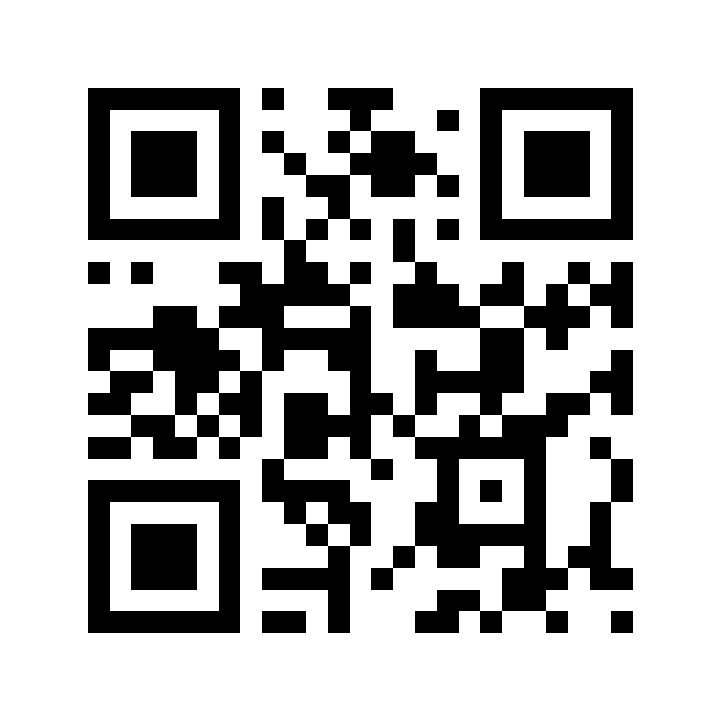
Scan with your phone’s camera, then follow the Home Screen steps above. This website QR opens parent controls; pair a tablet using the QR shown in its parent area.